EXAMPLE TASKAssigned
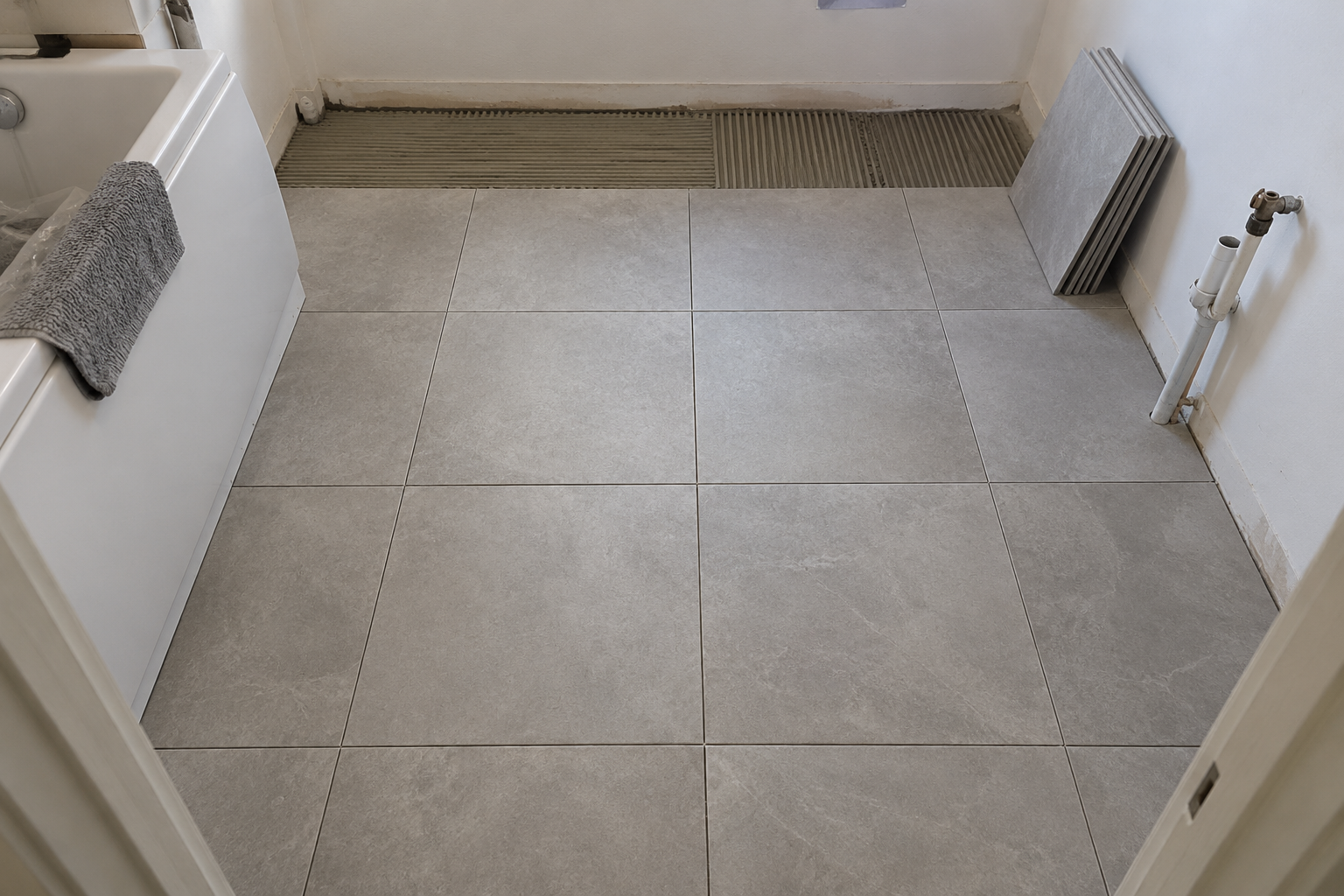
Lay bathroom floor tiles
Bathroom · Ground floor
Agreed price£640
Assigned toAlex · Worker
The brief is clear.
A description, reference photo and optional price and deadline. Ready for your worker.
 WorkSignWORK. PROOF. APPROVAL.
BUILT FOR WORK ON SITE
Give every job a clear next step. Assign the work, capture what’s been done and make the decision — all in one place.
Made for mobile. Workers don’t need an email address.
Bathroom · Ground floor
A description, reference photo and optional price and deadline. Ready for your worker.
Clear instructions.
Fewer loose ends.
Photos & voice notes.
Context you can revisit.
One recorded decision.
A clear next step.
FROM BRIEF TO SIGN-OFF
Replace scattered updates with a shared task record that both sides can follow.
Add a description and reference photo. Choose your worker, then include a price or deadline if you need one.
A CLEAR STARTYour worker adds a required completion photo, a comment and an optional voice note, then submits the task for review.
EVIDENCE ATTACHEDAccept the work or request changes with a comment. The submissions and decisions stay together in the task history.
A RECORDED DECISIONTHE DETAILS THAT MATTER
A reference photo sets the brief. A completion photo is required before a worker can submit the result.
A short comment or voice note adds context when a photo alone doesn’t tell the whole story.
Add an optional agreed price and due date. See overdue days and export the deadline to your calendar.
Follow submissions, requests for changes and acceptance without losing the earlier conversation.
Photos help document the work. They do not replace any technical checks, measurements or certificates your project requires.
FOR INVESTORS & TEAM LEADS
Create your workspace, add workers and assign their jobs. Review the result when it’s ready.
FOR WORKERS ON SITE
Use the login and four-digit PIN from your investor. See your assigned tasks and send the result from your phone.
BEFORE YOU START
No. The investor creates each worker’s account and supplies a unique login and four-digit PIN.
Each investor sees their own team and tasks. Workers see only the tasks assigned to their account.
After signing in, you can enable a passkey in Account. Supported devices offer Face ID, fingerprint or screen-lock verification. Your login and password or PIN remain available.
No. Current task acceptance records the decision about the work. WorkSign does not process payments or authorise invoices.
WorkSign is an early preview. Use sample data while testing. You can send improvement suggestions through Help in your investor workspace.
WORK. PROOF. APPROVAL.
Start with a workspace. Add your team.
Keep the work and the evidence together.